> For the complete documentation index, see [llms.txt](https://docs.donatepr.com/llms.txt). Markdown versions of documentation pages are available by appending `.md` to page URLs; this page is available as [Markdown](https://docs.donatepr.com/fiscal-hosts/fiscal-host-settings/manage-updates.md).
# Manage updates
Updates is a way to keep your community posted on your progress. They are sent by email to all your communities, contributors and followers and displayed on your page.
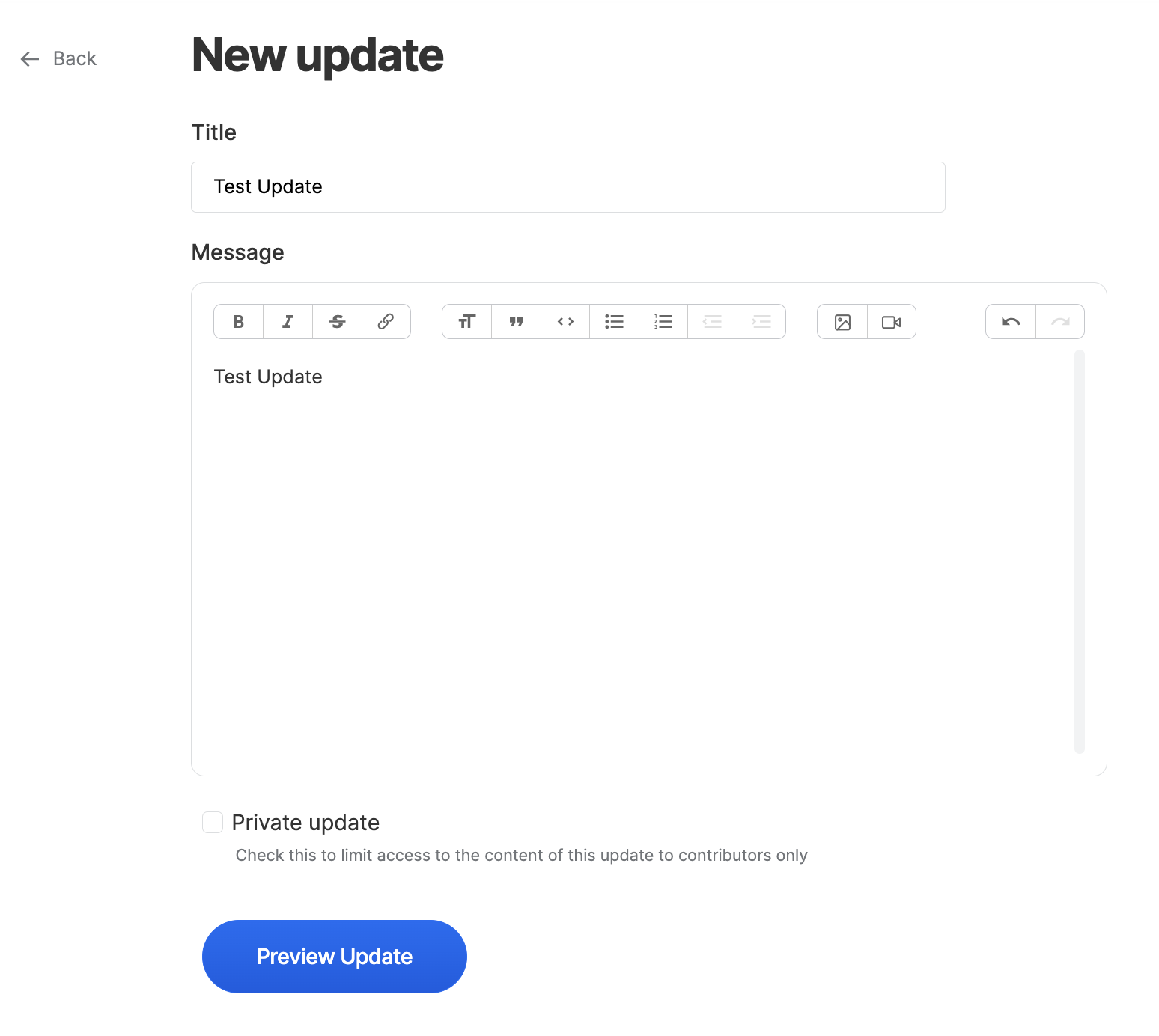
Click on the + New update button to start drafting.
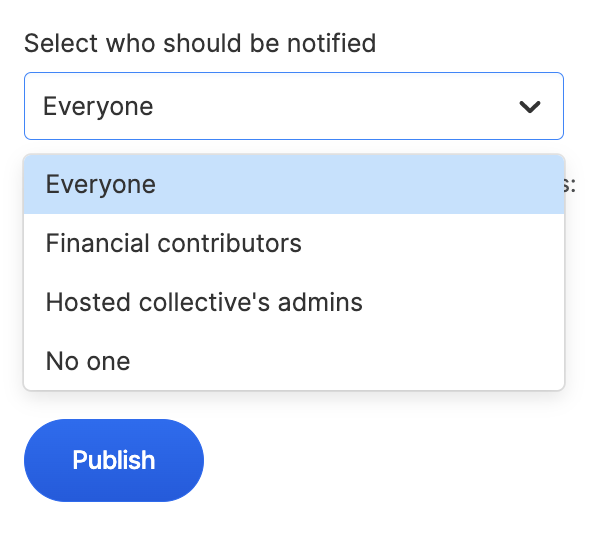
You can then preview your update and select who should be notfied.